All your crops in a single overlay
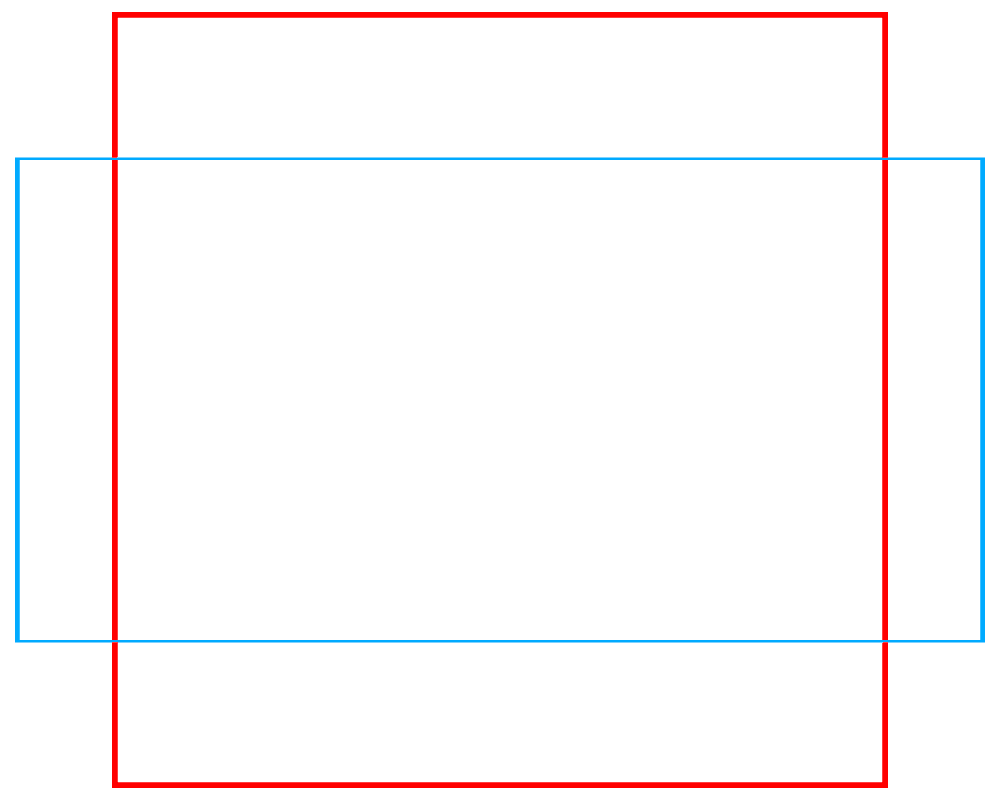
Set your main ratio, add as many crops as you want, and export a single transparent PNG file ready to use in your favorite photo software.
Features
Flexible Ratios
Choose from predefined formats (4:5, 9:16, etc.) or create your own custom ratios in just a few clicks.
Orientation Switching
Instantly switch from portrait to landscape format with a simple click for each ratio.
Multiple Crops
Add as many crops as you want, each with its own ratio, color, border thickness, and display order.
Advanced Controls
Precisely adjust the size, horizontal and vertical position of each crop with intuitive sliders.
Border Customization
Set the color and thickness of each border for a perfect rendering, even on high-resolution exports.
Real-time Preview
Instantly visualize the effect of each modification in the dedicated preview area.
How it works
Choose your main ratio
Select one of the predefined ratios from the dropdown menu, or create your own custom ratio. You can also reverse the orientation with one click.
Add your crops
Click « Add a crop » to create as many sub-crops as needed. Each crop can have its own ratio, color, and border thickness.
Customize each element
Use the advanced settings to adjust the size, position, and appearance of each crop. Rearrange them simply by drag and drop.
Export your overlay
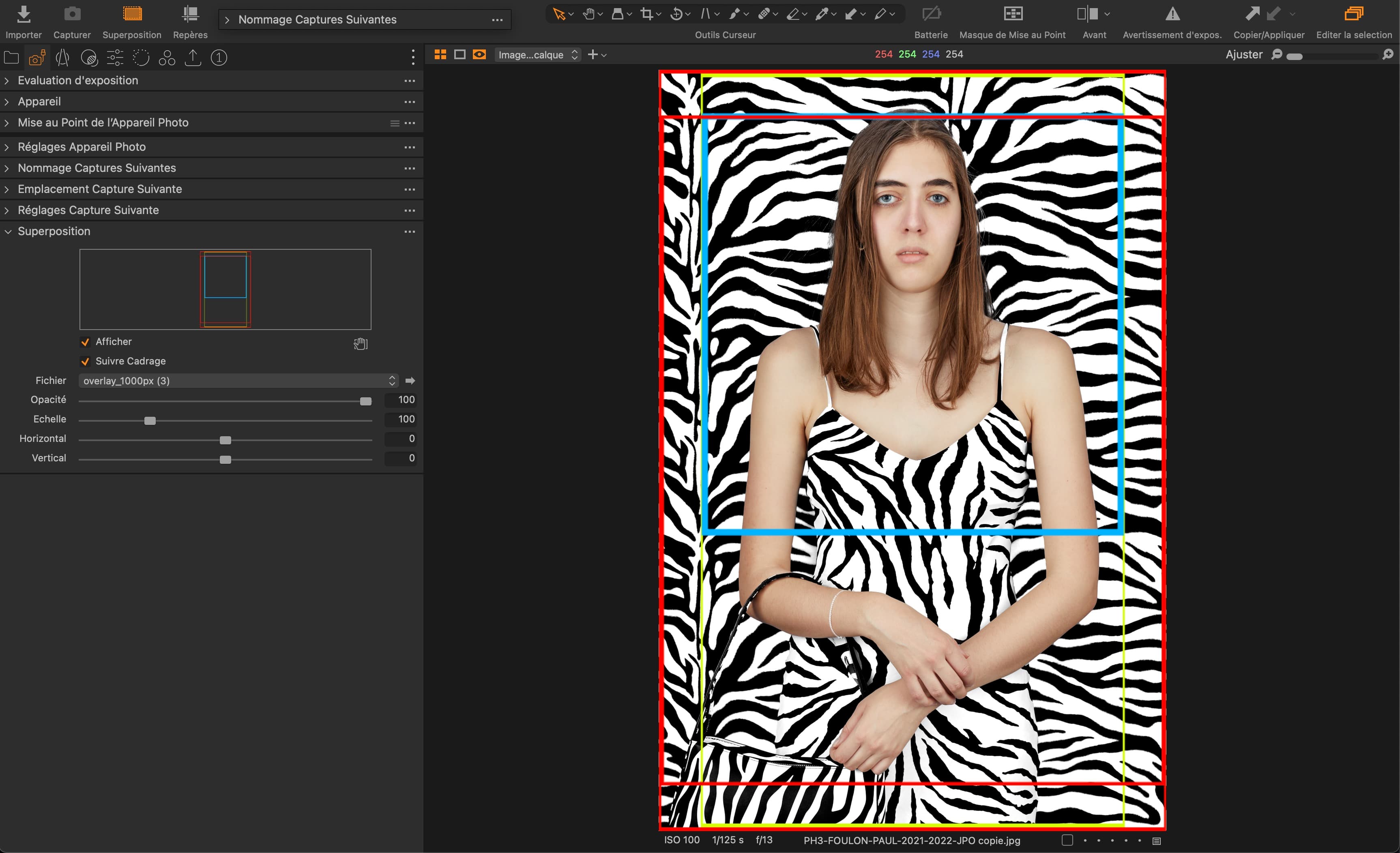
Specify the desired dimension for the longest side of your image, and download a transparent PNG file ready to be used in Photoshop, Lightroom, or Capture One.
Use cases
Simplify your workflow today
Stop wasting time creating multiple crop guides. Generate all your formats in one click and boost your productivity.
Tester l'outilWhat is DataTechTopia?
DataTechTopia is a hub for advanced imaging technology. We provide tools, services, and resources that empower photographers, digital artists, and production teams through color-accurate, efficient, and secure workflows. Our mission is to streamline complex pipelines and deliver reliable, high-quality results for modern visual productions.
Hub delivering advanced technical solutions for imaging.
Tools, services, and resources for photographers, digital artists, and production teams.
On-set assistance and dependable equipment to keep shoots moving.
Accurate, efficient, and secure workflows with reliable on-set support.